
Use CNIC to Verify BISP Balance
Checking your BISP balance using your CNIC has become very simple thanks to official online and SMS services. Beneficiaries no longer need to stand in long queues or repeatedly visit payment centers or government offices. With just your valid CNIC number, you can instantly check your payment status from home. This saves time, effort, and travel costs while ensuring accurate and up-to-date information.
The Benazir Income Support Programme (BISP) has introduced automated systems to help beneficiaries track their payments safely and quickly. Whether you have internet access or not, there is a method available for everyone.
You can read more: 8171 Web Portal PMT Score Verification, Fast & Trustworthy Approach
What Is BISP? (Simple Explanation)
The Benazir Social Support Programme (BISP) is a social welfare program launched by the Government of Pakistan. Its main purpose is to provide financial assistance to low-income and deserving families, especially women-led households. Through regular cash transfers, BISP helps millions of families manage basic expenses such as food, education, and healthcare.
Payments are released after CNIC verification to ensure transparency and prevent misuse. Funds are distributed through bank accounts, ATMs, payment centers, or mobile wallets. This system ensures that financial aid reaches the right people in a secure and organized manner.
Official Ways to Check BISP Balance Using CNIC
There are two official methods to check your BISP balance:
-
SMS service (8171)
-
8171 online web portal
Both methods are free, secure, and approved by Benazir.
Check BISP Balance by CNIC via SMS (8171)
If you do not have internet access, the SMS method is the easiest option. Anytime, day or night, you may check your balance.
| Method | How to Check | Internet Required |
|---|---|---|
| SMS (8171) | Send CNIC (without dashes) to 8171 | No |
| Web Portal | Enter CNIC on official 8171 website | Yes |
Steps:
-
Open your mobile phone’s messaging app
-
Type your 13-digit CNIC number (without dashes)
-
Send it to 8171
-
Watch for a response message indicating the status of your payment.
This service works on all mobile networks in Pakistan and does not charge any fee. Make sure the CNIC you send is registered with Benazir to receive correct information.
Check BISP Balance Online via 8171 Web Portal
For those with internet access, the 8171 web portal offers a fast and detailed way to check your balance and payment history.
Steps:
-
Visit the official 8171 Benazir web portal
-
Enter your CNIC number (without dashes)
-
Complete the captcha verification
-
Click on Submit
-
View your payment status and balance
This method is secure, user-friendly, and accessible on mobile phones, tablets, or computers. Always double-check that you are using the official Benazir website to avoid scams or fake portals.
Common Problems While Checking BISP Balance & Solutions
Sometimes, beneficiaries face minor issues while checking their balance. Most of such problems are simple to fix.
Common issues and solutions:
-
“No Record Found” error
→ Ensure your CNIC is registered with Benazir and try again later. -
Incorrect CNIC entered
→ Re-check your CNIC number and resend without dashes. -
SMS not delivered
→ Check network coverage and retry after some time. -
Website not loading
→ Clear browser cache or use a different browser/device. -
Payment info not updated
→ Wait 24–48 hours, as system updates may take time.
If problems continue, contact the official Benazir helpline for assistance.
BISP Helpline & Contact Details
If you face issues related to balance checking, registration, or payments, Benazir support is available.
Official Contact Information:
-
Helpline: 051-111-000-247
-
SMS: Send CNIC or query to 8171
-
Email: info@bisp.gov.pk
-
Website: Official Benazir website
Keep your CNIC with you when contacting support to speed up the process. Always rely on verified contact details to stay safe from fraud.
You can read more: BISP 8171 Payment Centres and ATM Withdrawal Regulation 2026
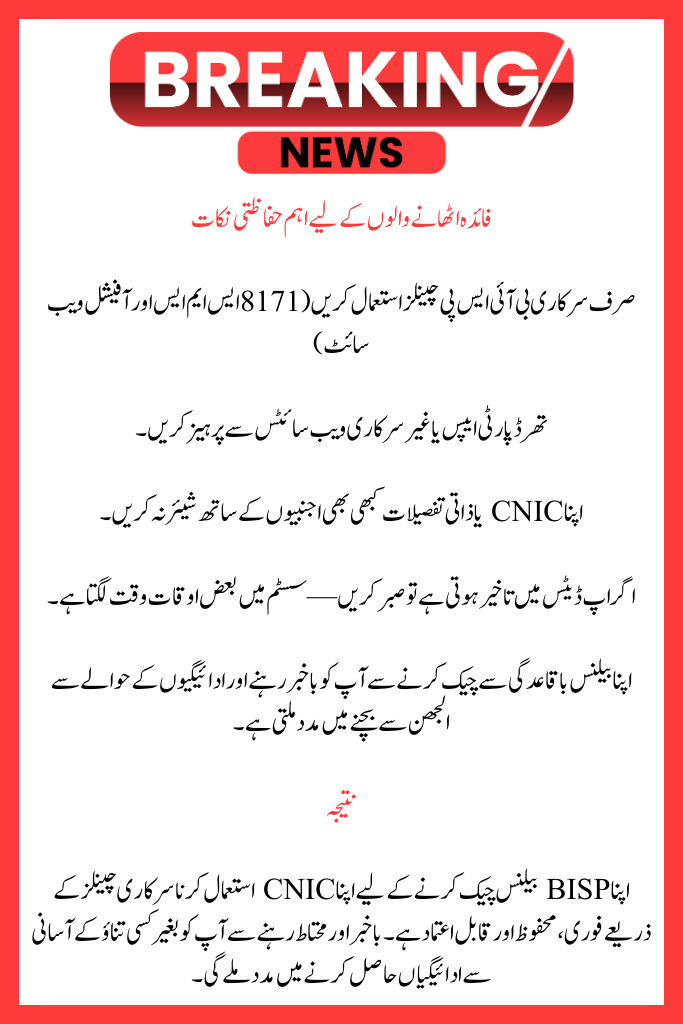
Important Safety Tips for Beneficiaries
-
Avoid third-party apps or unofficial websites
-
Never share your CNIC or personal details with strangers
-
Be patient if updates are delayed—systems sometimes take time
Checking your balance regularly helps you stay informed and avoid confusion regarding payments.
Conclusion
Using your CNIC to check your BISP balance is quick, secure, and reliable when done through official channels. Staying informed and cautious will help you receive your payments smoothly without stress.
FAQs
How can I use CNIC to check my BISP balance?
You may use the 8171 official website or transmit your CNIC to 8171 via SMS to check your balance.
What happens if BISP does not have my CNIC registered?
No record will show up if your CNIC is not registered. To register, call the Benazir hotline or go to the closest Benazir office.
Is it free to use the 8171 SMS service?
Yes, you may check your BISP balance by SMS on any mobile network for free.
What is meant by “No Record Found”?
It can be a sign of a transient system problem or unregistered CNIC data. Check your CNIC again and give it another go later.
How can I get in touch with BISP regarding payment concerns?
Dial 051-111-000-247, text 8171, or send an email to info@bisp.gov.pk.