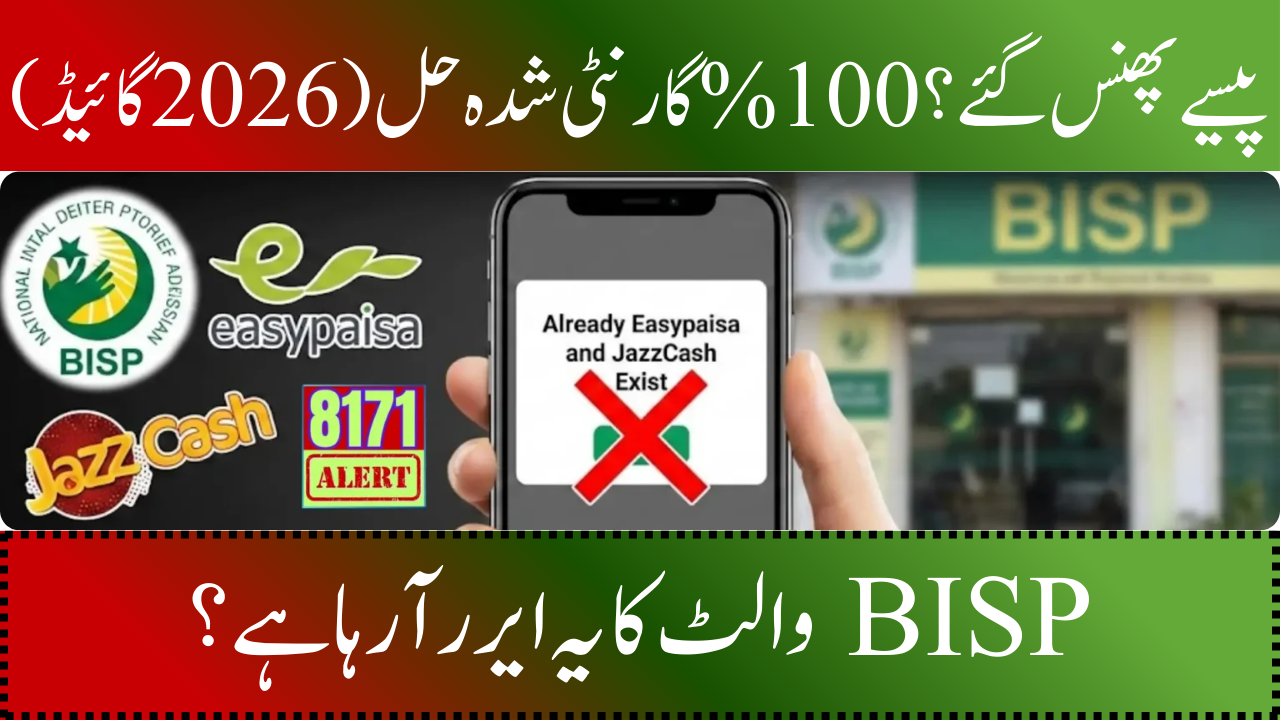
Error with BISP Wallet Verification
BISP beneficiaries often face a common issue when accessing their digital wallet payments, receiving the error message “Already Easypaisa and JazzCash Exist” on their SIM. This error typically occurs if a wallet account was previously set up on the SIM or if the SIM and wallet activation process was not completed correctly. Consequently, this can lead to delays in payment receipt and confusion among beneficiaries.
You can read more: BISP Phase 2 Payments Start
To resolve this issue, beneficiaries should follow a systematic approach: first, ensure the SIM is activated; next, link the wallet correctly; verify the CNIC and biometric details; and finally, visit BISP offices or authorised branches if required. Adhering to this order is crucial for ensuring timely and safe payment receipt.
Actions You Can Take Right Now
Before pursuing more complex solutions, it is crucial to complete the following essential steps: Activate your wallet SIM and the violet service fully, confirm that Wallet is displayed on your SIM post-activation, check for any existing Easypaisa or JazzCash accounts on the SIM, have your original CNIC and SIM ready, document all SMS messages and confirmation codes received, take screenshots of any error messages, ensure your registered mobile number matches the CNIC record exactly, and avoid creating duplicate accounts before linking. Completing these steps typically resolves most verification issues without the need for office visits.
Step 1: SIM and Wallet Service Activation
• Activation is essential for accessing wallet services.
• Insert your SIM and carefully follow the Violet activation process.
• A successful activation will display “Wallet” in the mobile app or via USSD commands.
• Skipping activation can cause failures in linking Easypaisa or JazzCash accounts, leading to the “Already Exists” error.
• Complete all activation steps, including mobile number verification and ensuring the Violet service is enabled.
• After activation, you can link your wallet securely.
Step 2: Taking Care of Current JazzCash or Easypaisa Accounts
• Linking an existing SIM account to BISP may cause verification conflicts if the account was created before the SIM was activated.
• To prevent issues, activate the violet SIM first, then link the existing wallet account.
• Always provide complete CNIC details and ensure the registered mobile number matches the BISP record.
• **Dos:**
– Link using full CNIC information.
– Check eligibility after linking.
• **Don’ts:**
– Do not create new accounts on the same SIM.
– Do not attempt linking before violet activation.
Step 3: Connecting JazzCash or Easypaisa to the BISP Wallet
• To link your wallet account after activating the SIM, open the Easypaisa or JazzCash app and go to the wallet linking section.
• Provide your full CNIC, registered mobile number, and exact name, then submit the information and await confirmation.
• If the details align with the BISP record, your account will be successfully linked, and you will receive eligibility confirmation.
• Any discrepancies, even minor ones in spelling or digits, may lead to verification failure.
• It is important to keep records of confirmation messages for future reference.
• Key reminders include using primary CNIC details, ensuring the mobile number matches the BISP record, and retaining screenshots or SMS as proof.
Typical Verification Errors and Solutions
• **Already Easypaisa and JazzCash Exist**: Pre-existing wallet accounts detected; recommended fix: activate Violet first, then link account.
• **SIM Not Activated**: SIM or Wallet service incomplete; recommended fix: complete SIM and Wallet activation.
• **CNIC Mismatch**: Name or CNIC differs from BISP record; recommended fix: update details at BISP office.
• **Biometric Verification Failed**: Fingerprint or biometric mismatch; recommended fix: visit nearest BISP office.
• **Wallet Not Linked**: Linking process incomplete; recommended fix: re-link using full CNIC details.
• **Eligibility Not Confirmed**: BISP record pending verification; recommended fix: verify eligibility after linking.
Step 4: Options for Phone Support
• Phone support can address minor linking issues.
• Contact helplines for Easypaisa, JazzCash, or BISP and provide necessary details:
– SIM IMEI and registration date
– CNIC number
– Screenshots of error messages
– SMS confirmation details
• Biometric mismatches or CNIC errors cannot be resolved through phone support; office visits may be required.
| Issue / Error Message | Main Reason | Quick Solution |
|---|---|---|
| JazzCash and Easypaisa already exist. | The SIM wallet has already been established. | Link your current wallet after activating Violet SIM. |
| SIM Not Activated | SIM/Violet service incomplete | Complete SIM and Violet activation |
| CNIC or Biometric Mismatch | Details don’t match BISP record | Visit nearest BISP Tehsil office |
| Wallet Not Linked | Linking process incomplete | Re-link using full CNIC and correct number |
Step 5: Going to Authorised Branches or BISP Offices
• For persistent issues, visit a BISP Tehsil office, Telenor Bank branch, or authorised Easypaisa retailer for assistance.
• Staff can assist with updating wallet records, verifying biometrics, and linking accounts properly.
• Checklist for visits includes:
– Original CNIC
– New SIM card and any previous SIMs
– SMS or screenshots of error messages
– Wallet account details (Easypaisa/JazzCash)
• In-person verification ensures correct linking of your BISP wallet and minimises payment delays.
Checks for CNIC and Biometric Mismatches
• Verify that your CNIC name matches the BISP record exactly.
• Verify that your biometric information was accurately registered in the past.
• Gather evidence, such as screenshots or SMS messages.
• Proper preparation reduces delays during in-person verification.
Fast Decision-Making
• Activate the SIM Check Wallet link for Easypaisa/JazzCash.
• If verification fails, call the helpline.
• If the issue remains unresolved, visit a BISP office or authorised branch.
• This order of actions ensures the fastest resolution.
Typical Errors to Avoid
Common issues related to account management include creating duplicate accounts on the same SIM, using incorrect spelling or digits for the CNIC, publicly sharing CNIC details, ignoring activation steps, relying solely on SMS for verification, and using unverified agents for linking.
You can read more: The Easy Way to Registration, Eligibility, and CNIC Verification
Conclusion
Resolving the Easypaisa and JazzCash error on your BISP wallet SIM involves a few straightforward steps: Activate your SIM and the Violet service, then link your existing Easypaisa or JazzCash account with complete CNIC details. It’s advisable to keep SMS messages and screenshots as proof for verification. If problems continue, seek help at the nearest BISP Tehsil office, Telenor Bank branch, or authorised Easypaisa retailer for account verification and payment processing.
FAQs
1. What is meant by “Already Easypaisa and JazzCash Exist”?
This indicates that your SIM already has a wallet account. Instead of making a new account, connect your current Easypaisa or JazzCash wallet with your CNIC after activating the Violet SIM.
2. Is it possible to resolve this problem without going to a BISP office?
Yes, most of the time. The problem is fixed with proper SIM activation, accurate CNIC information, and proper wallet linkage. Only biometric or CNIC mismatches often need office visits.
3. Which papers should I have on hand in case the issue persists?
Save the registered SIM card, your original CNIC, and any screenshots or SMS messages that demonstrate the mistake. These assist personnel in promptly confirming and resolving your wallet problem.